AI visuals without a studio or complex editor
Create AI visuals from photos directly in Telegram
Upload a photo of a room, product or person and get ready interior options, product images, portraits or visual ideas without Photoshop or complex editors.
1 photo input
30-90 seconds
First generation free
IB
Interior Bot
AI visual assistant
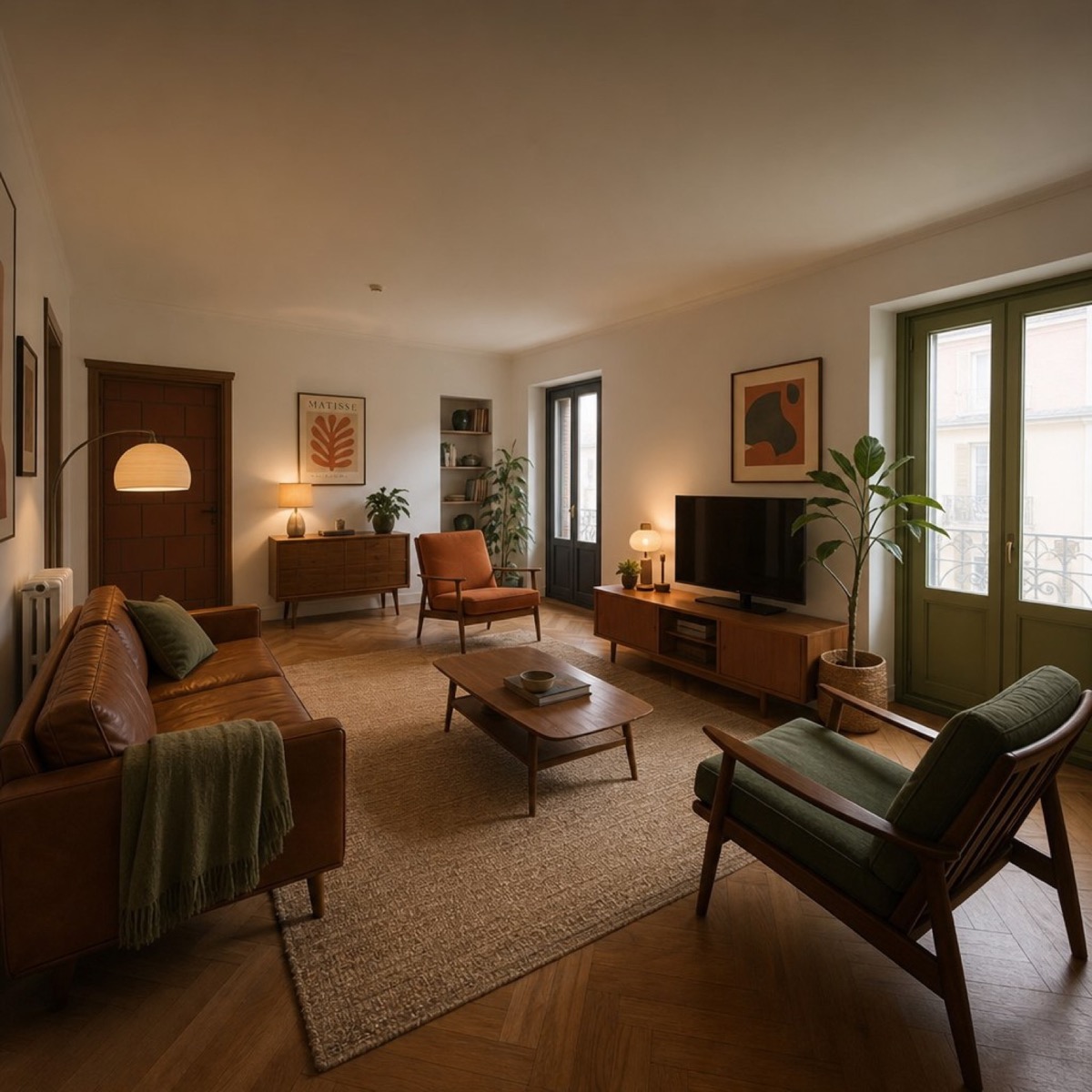
Interior
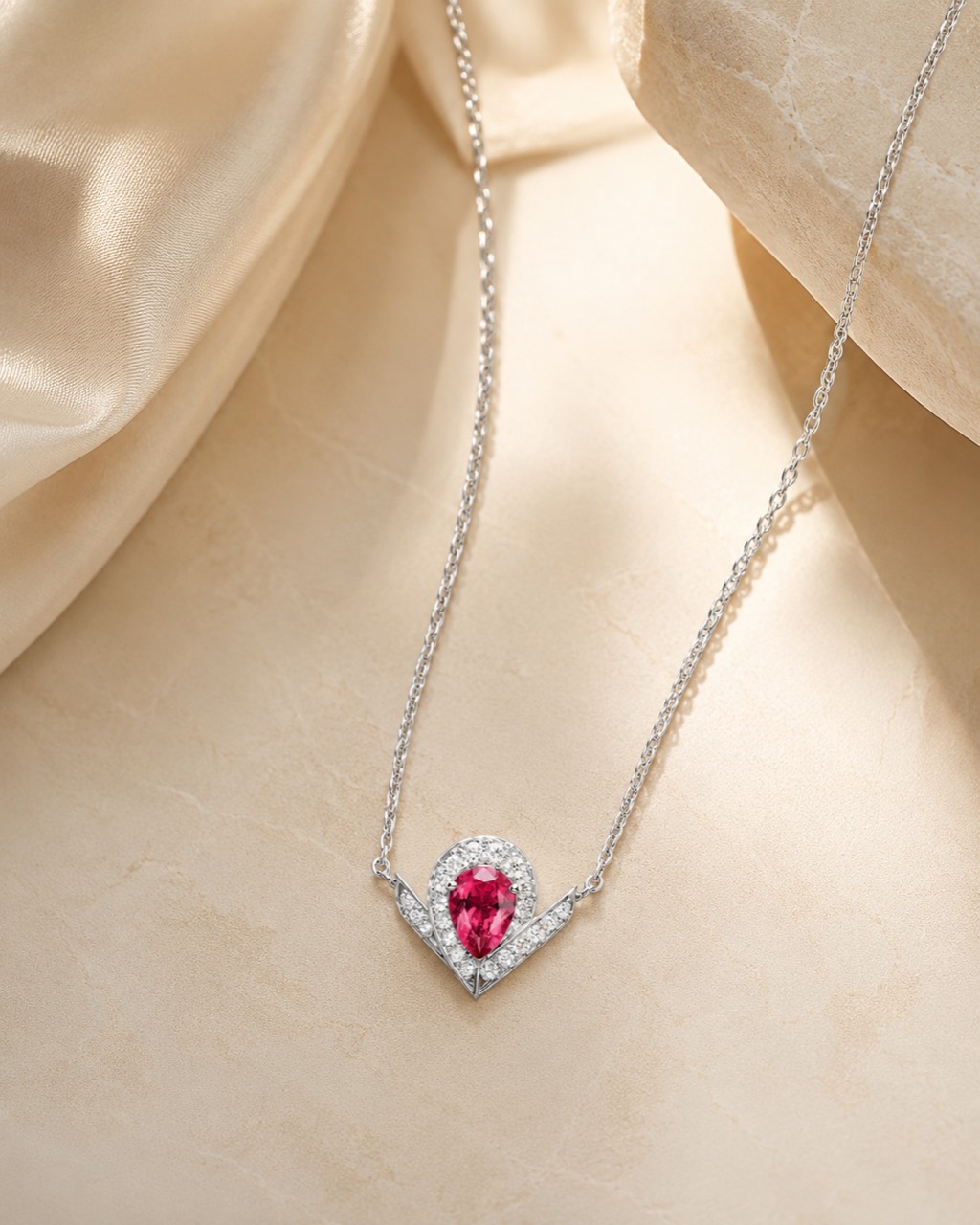
Product
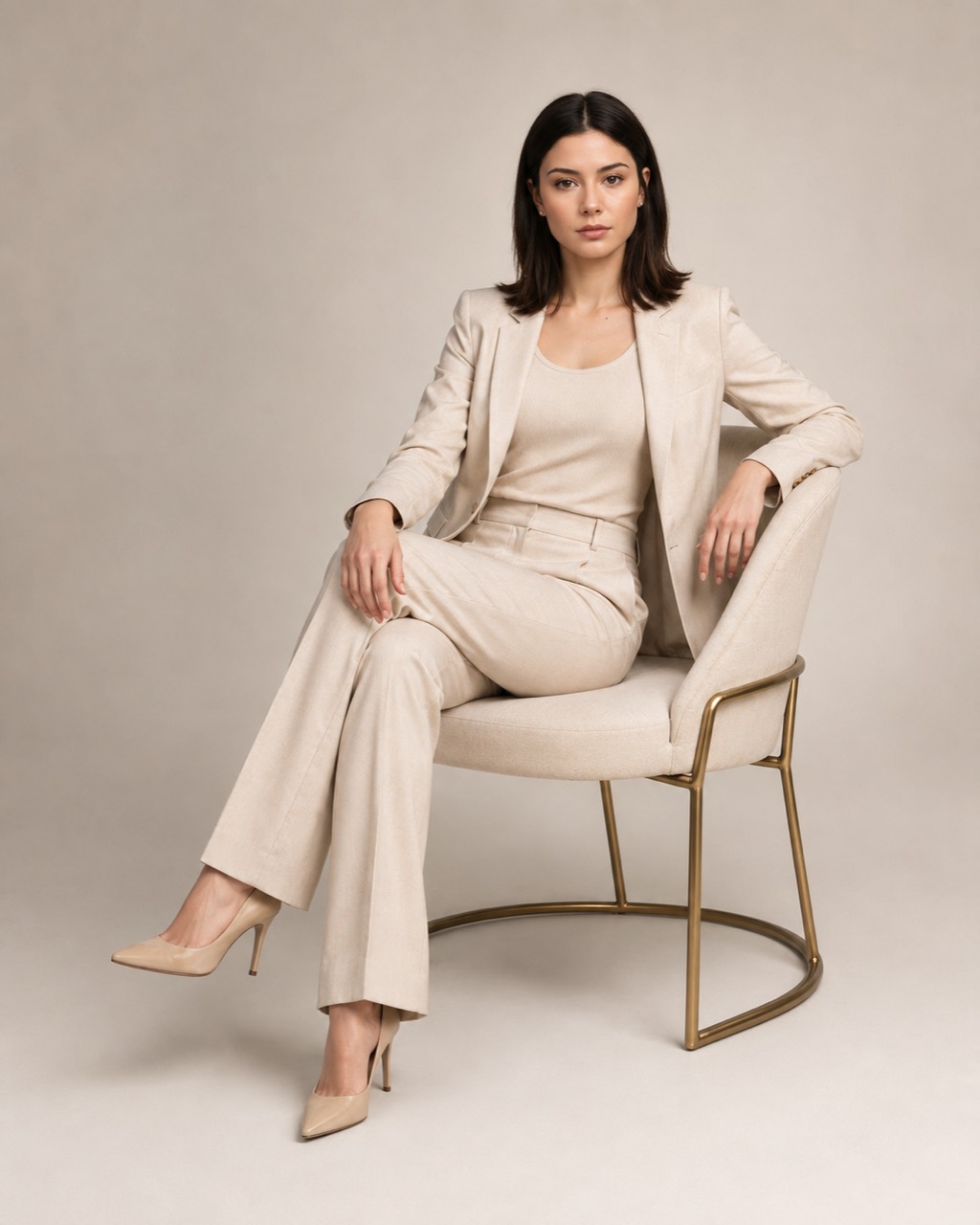
Portrait
Features
Four use cases people need most often
Choose a ready mode in the bot or write your prompt directly in the photo caption.
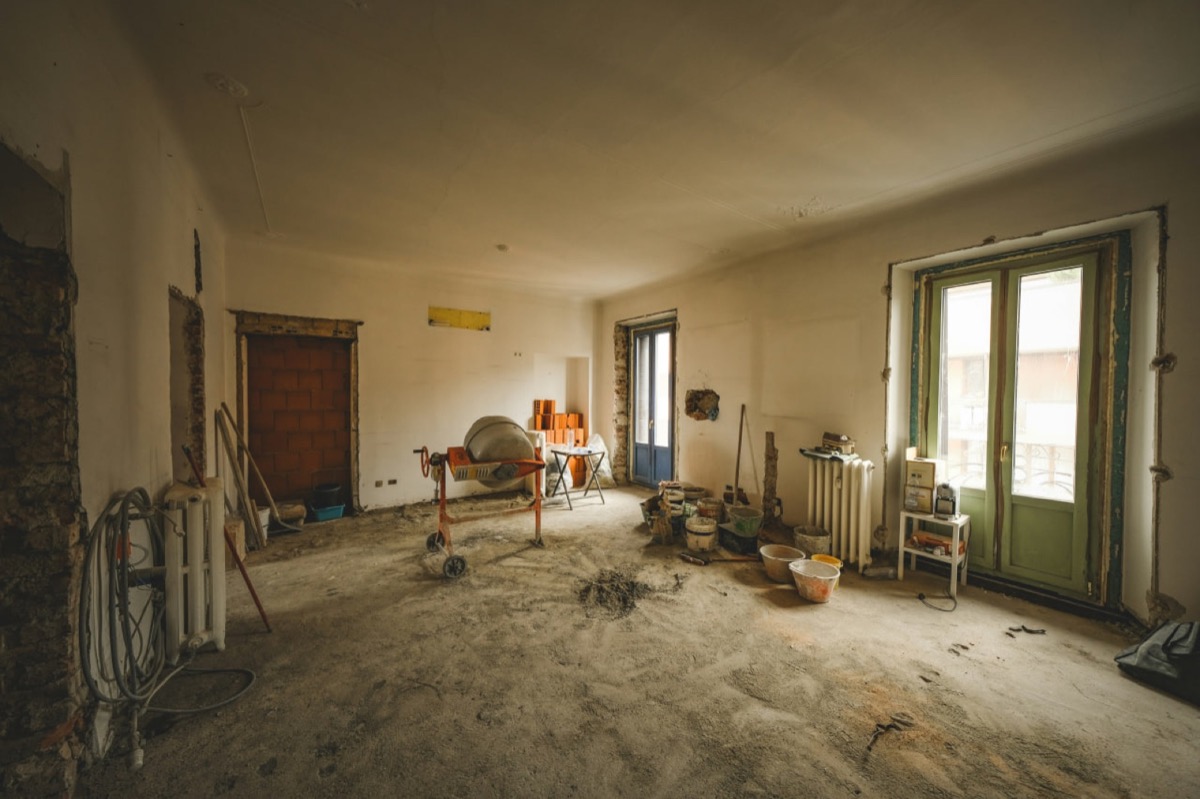
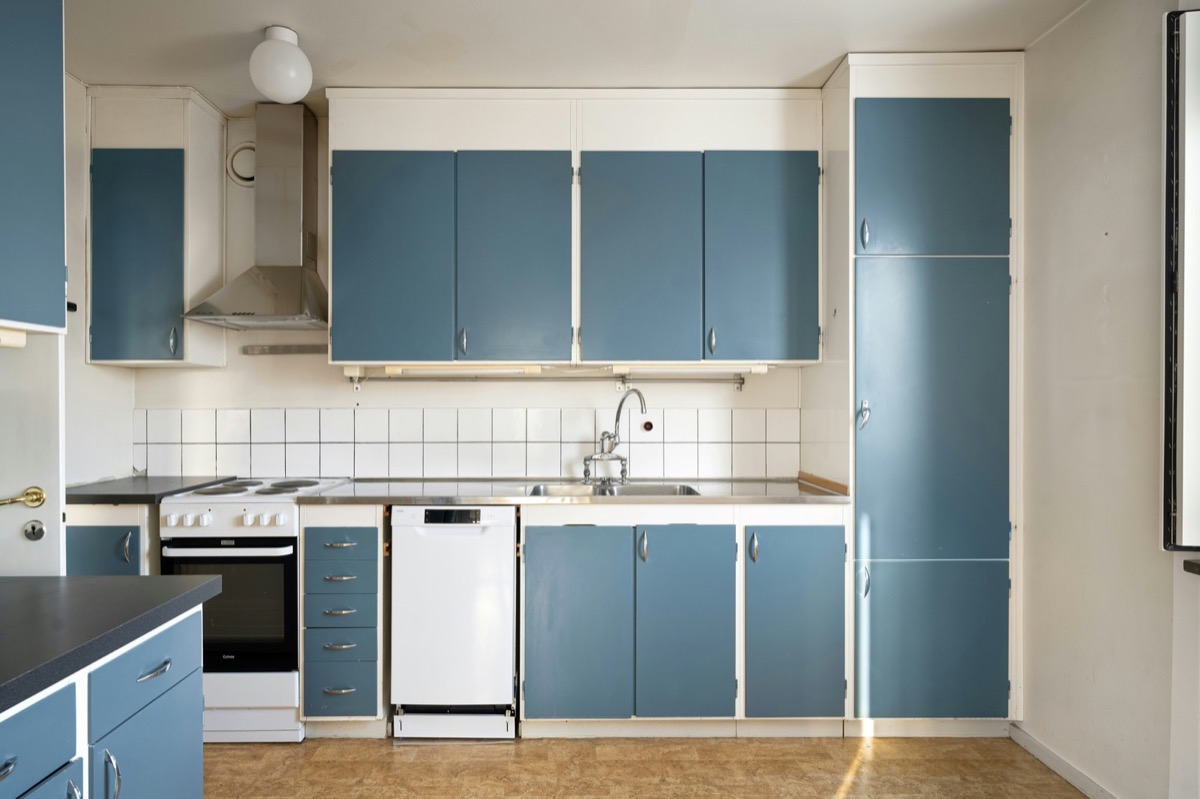
Interior
Interior redesign
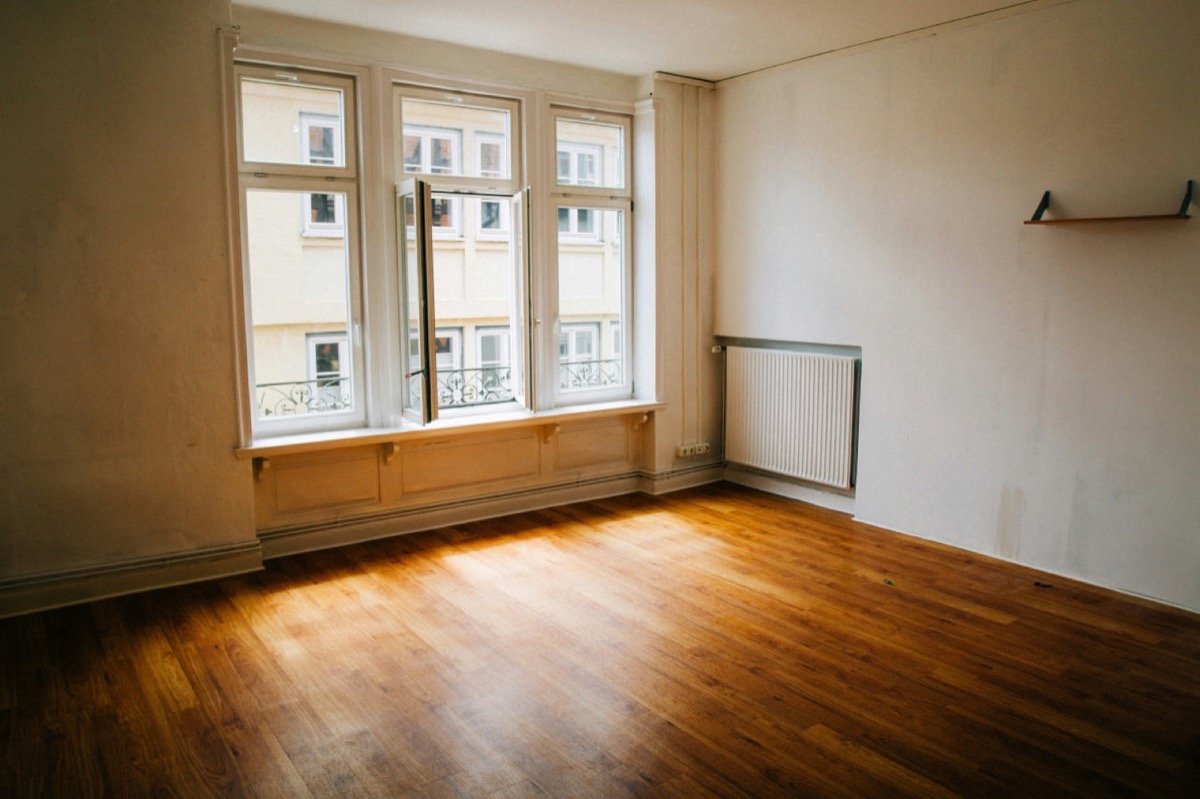
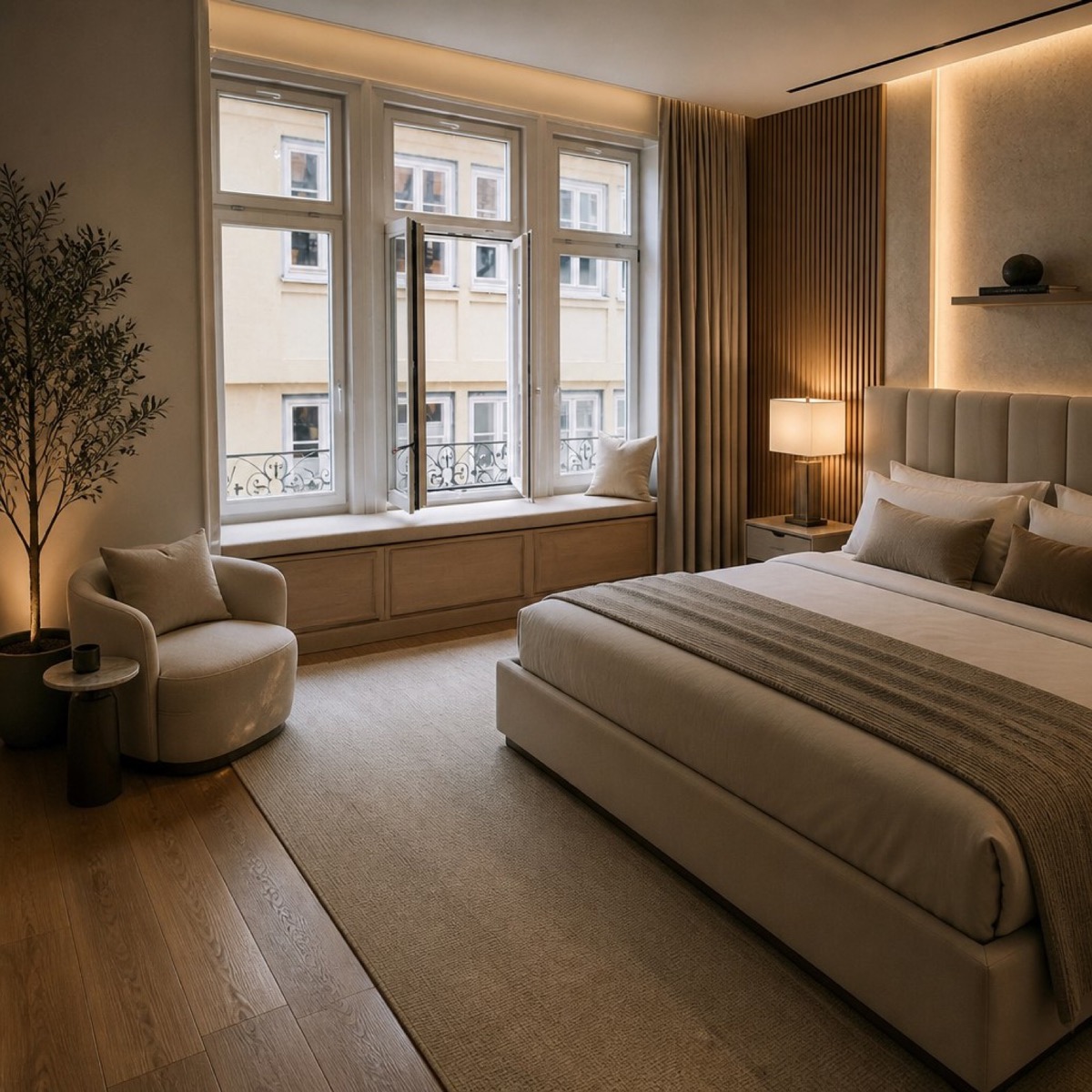
Upload a room photo and get options in different styles: minimal, Scandinavian, loft and modern classic.
Try in Telegram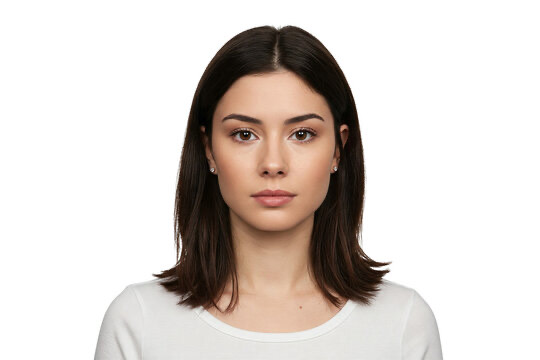
Portraits
AI photoshoot
Get business, lifestyle or creative portraits from one source photo.
Try in Telegram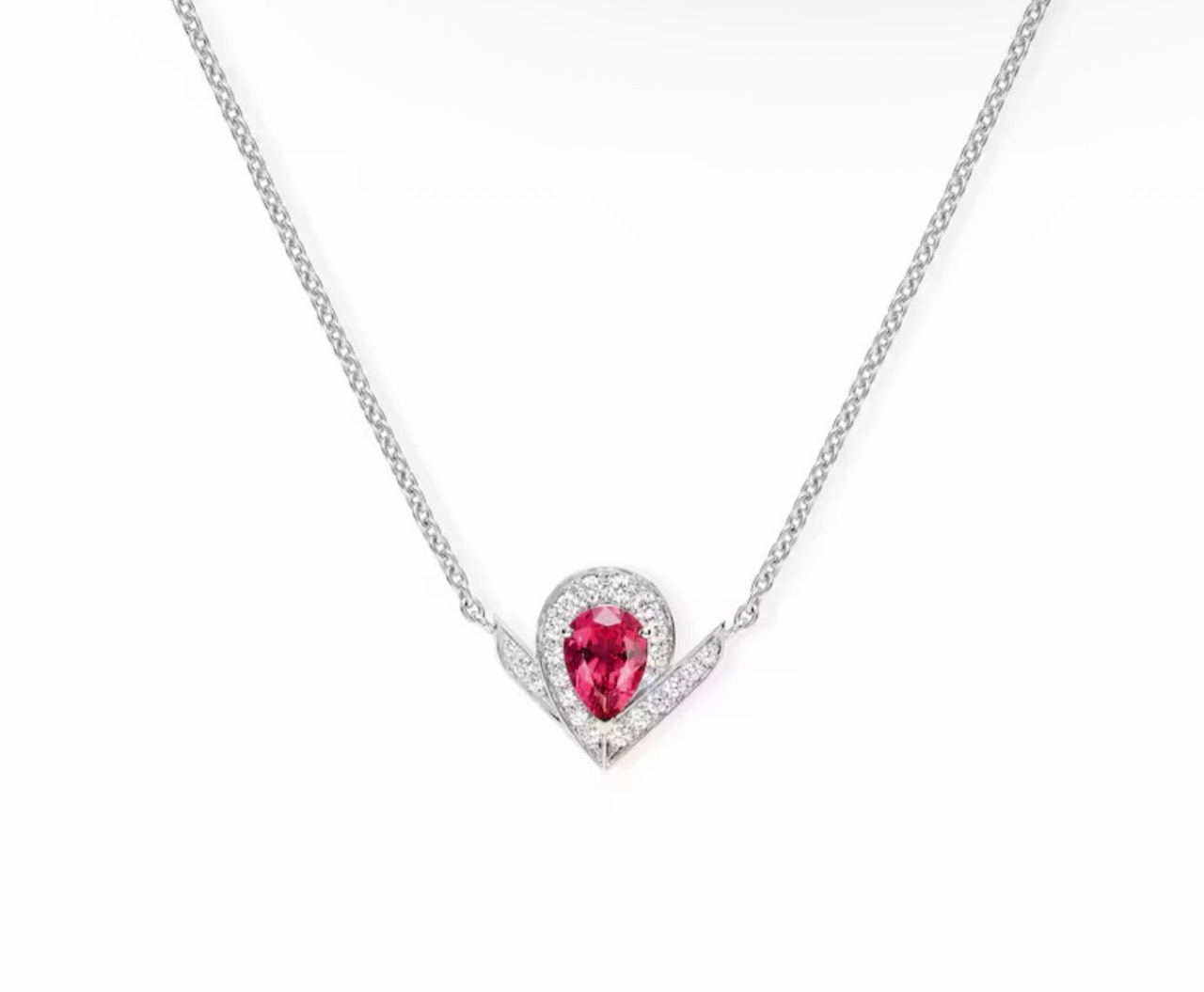
Products
Product cards
Create marketplace visuals: background, scene, style and composition without a studio shoot.
Try in Telegram
Prompt
“Create a premium product visual on light stone with soft shadows”
Custom prompt
Photo by prompt
Describe the visual you need in text and the bot creates an image for your task.
Try in TelegramExamples
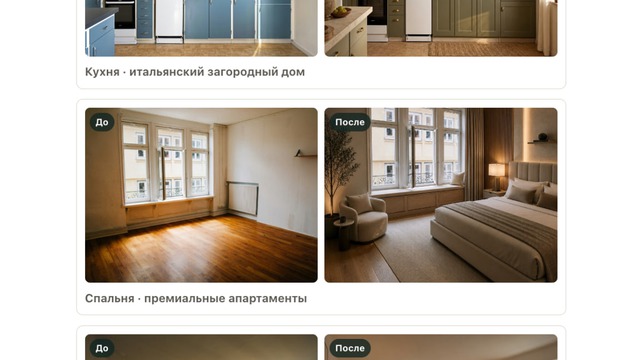
Before and after product showcase
Filter examples by task and see what prompts you can send to the bot.
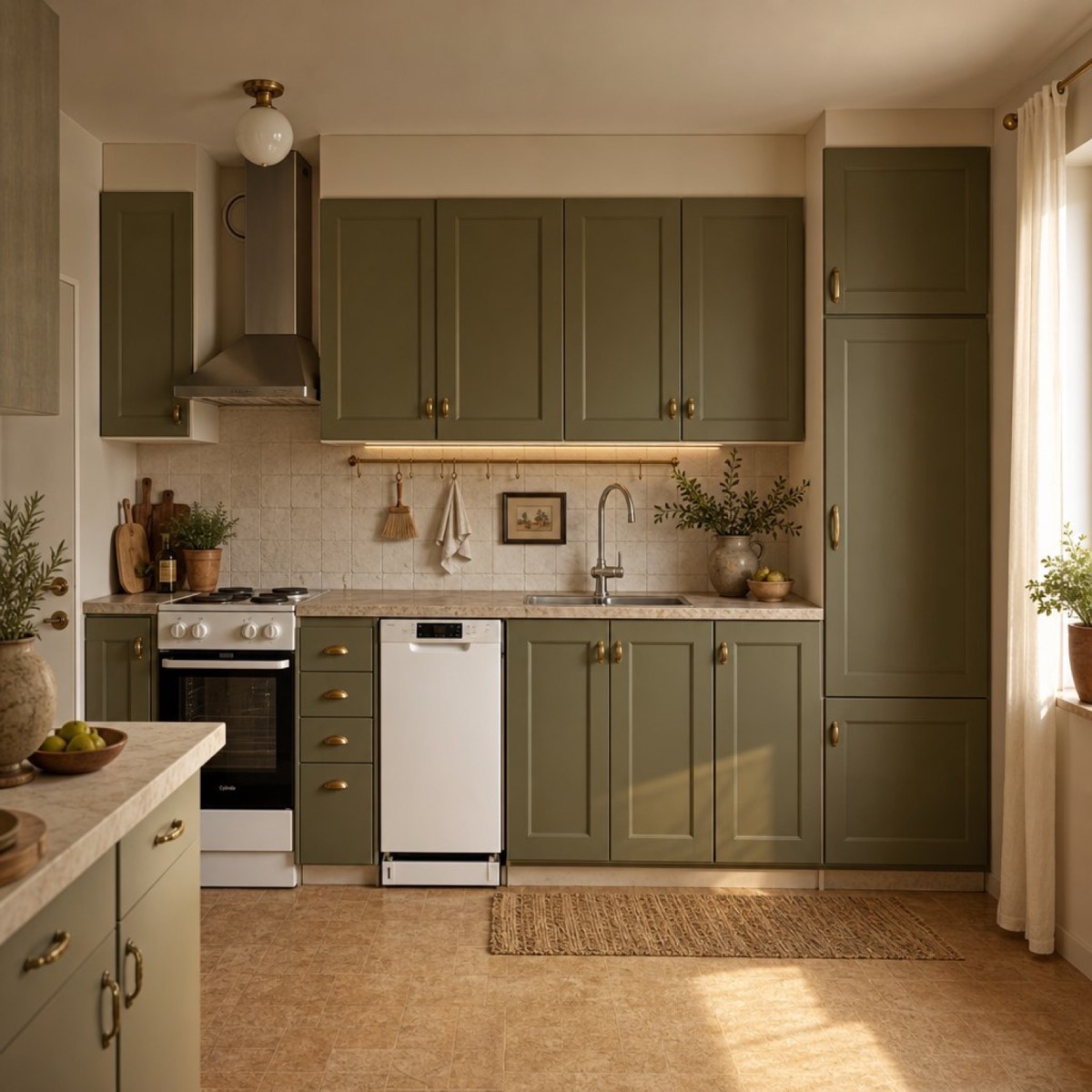
Interior
Countryside-style kitchen
Olive cabinets, light stone and warm daylight.
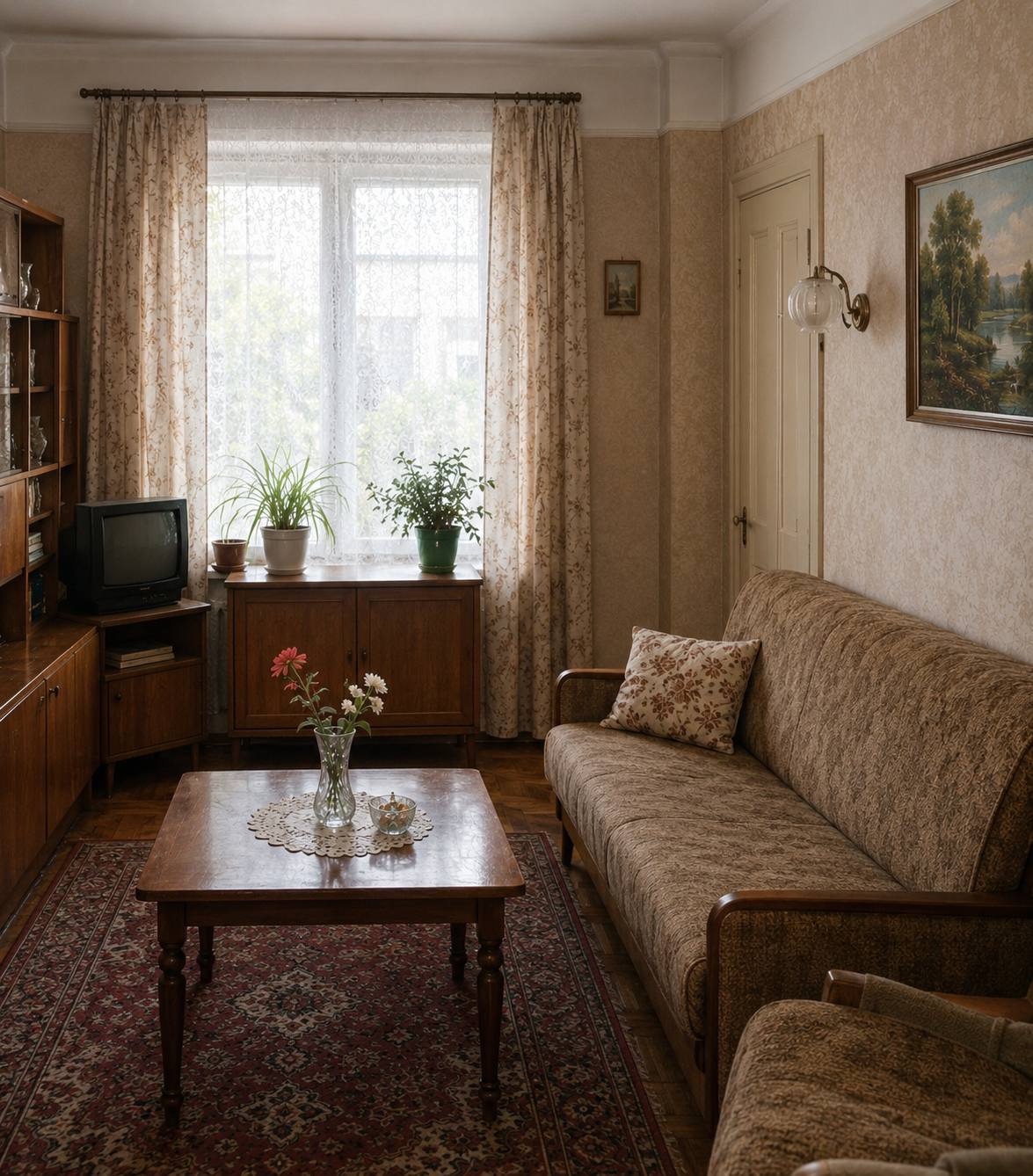
Interior
Mid-century living room
Warm palette, wooden furniture and soft evening light.
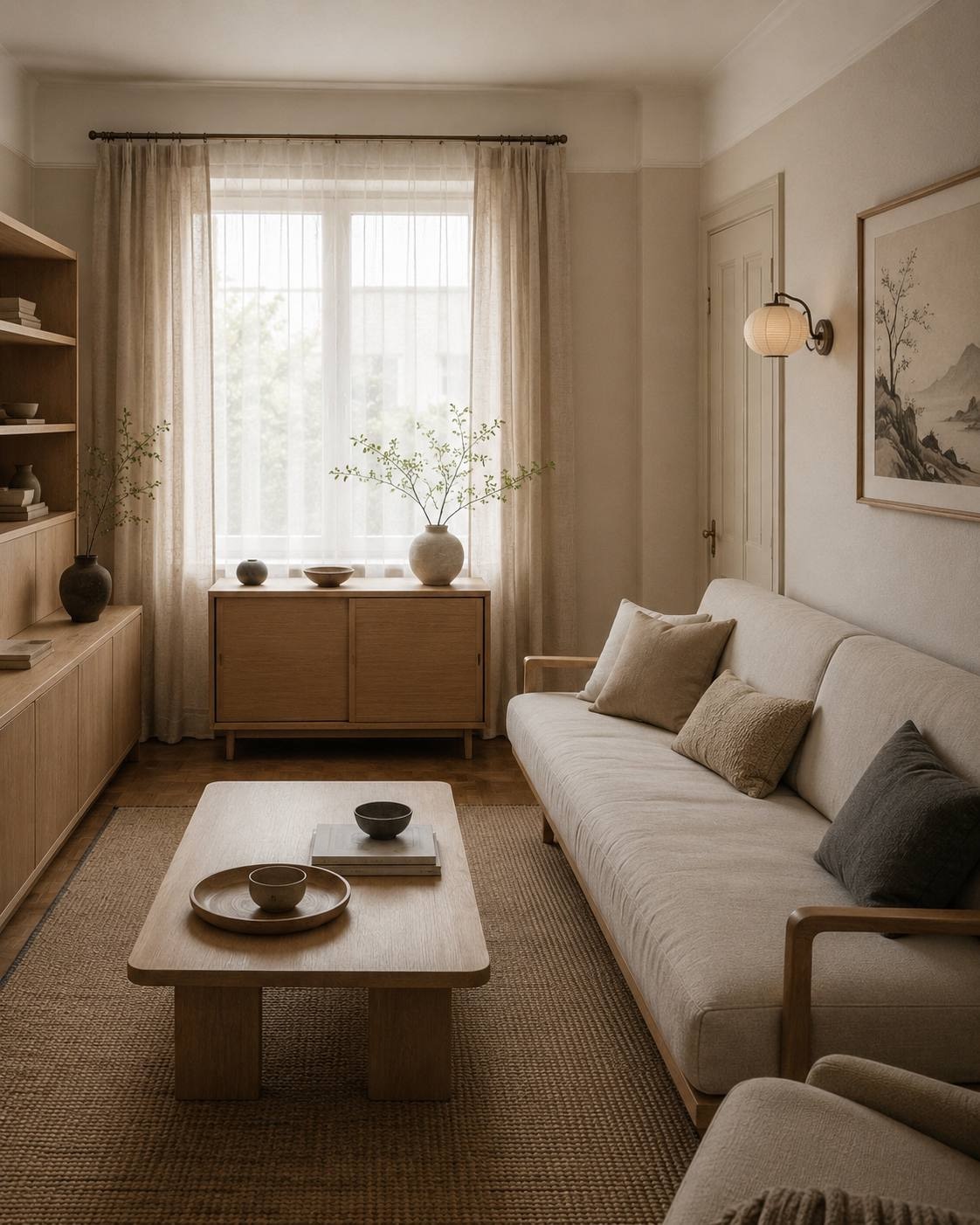
Interior
Calm Japandi living room
Light wood, linen, soft daylight and a clean composition.
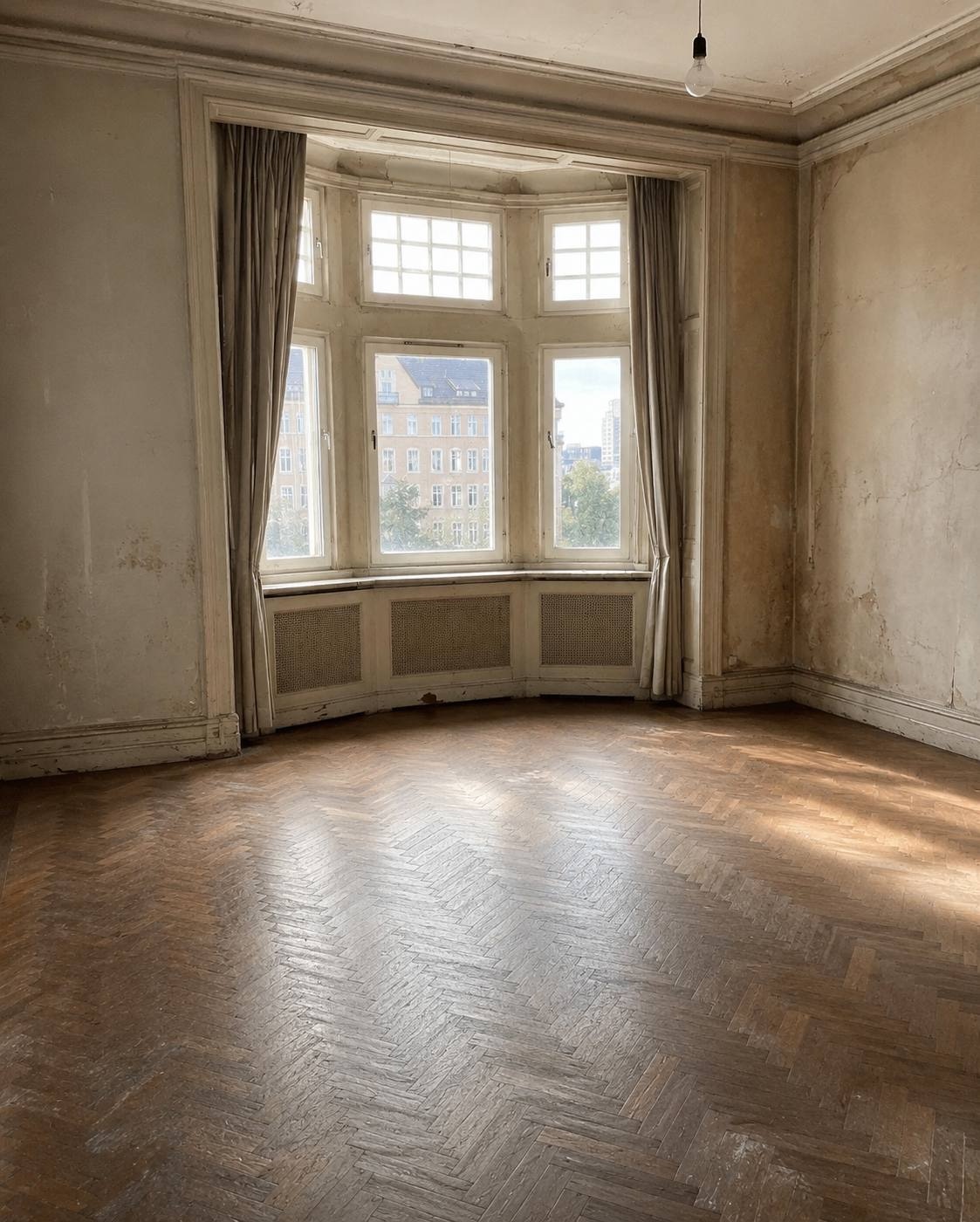
Interior
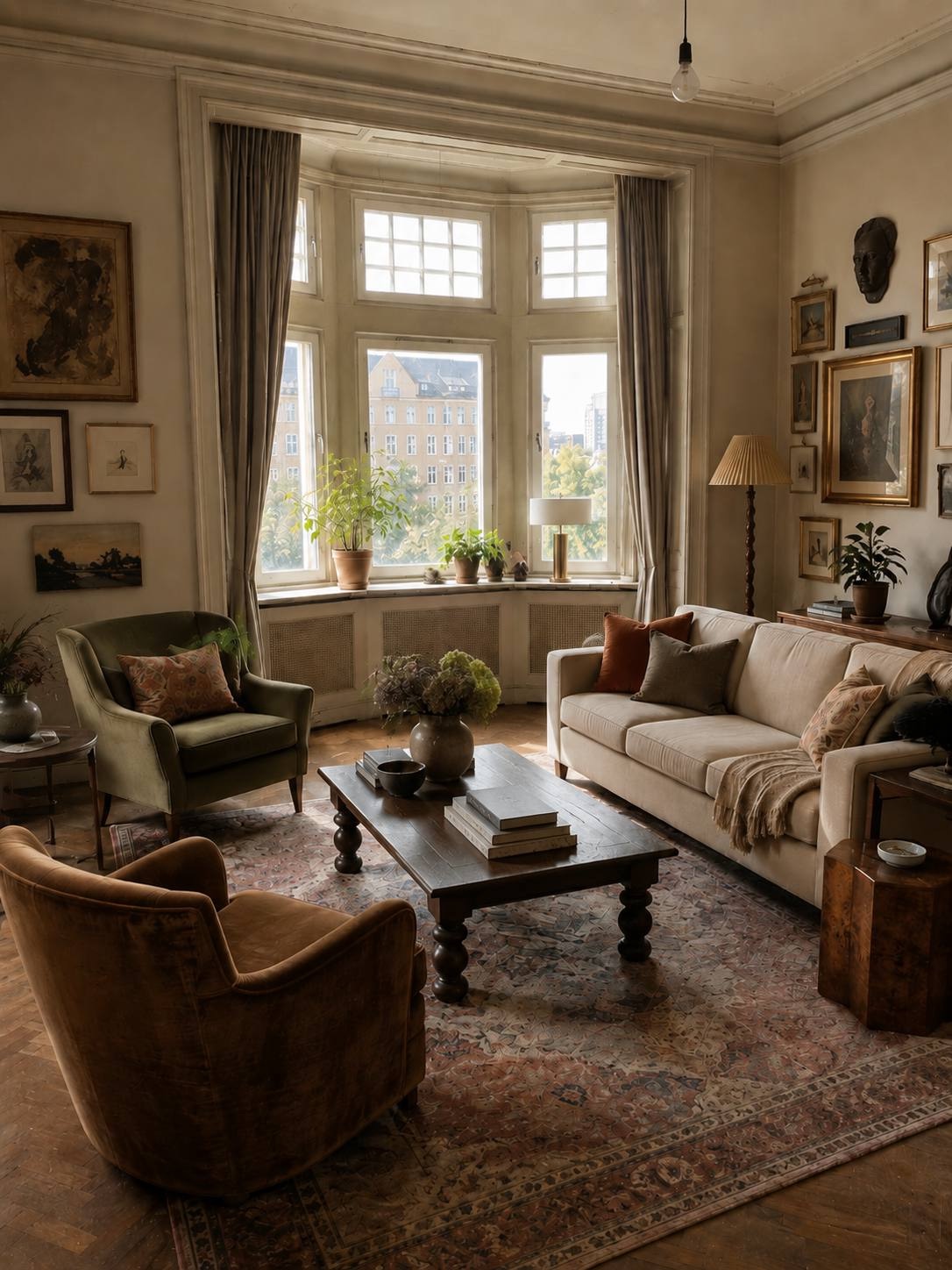
European living room
Soft armchairs, gallery wall, rug and warm window light.
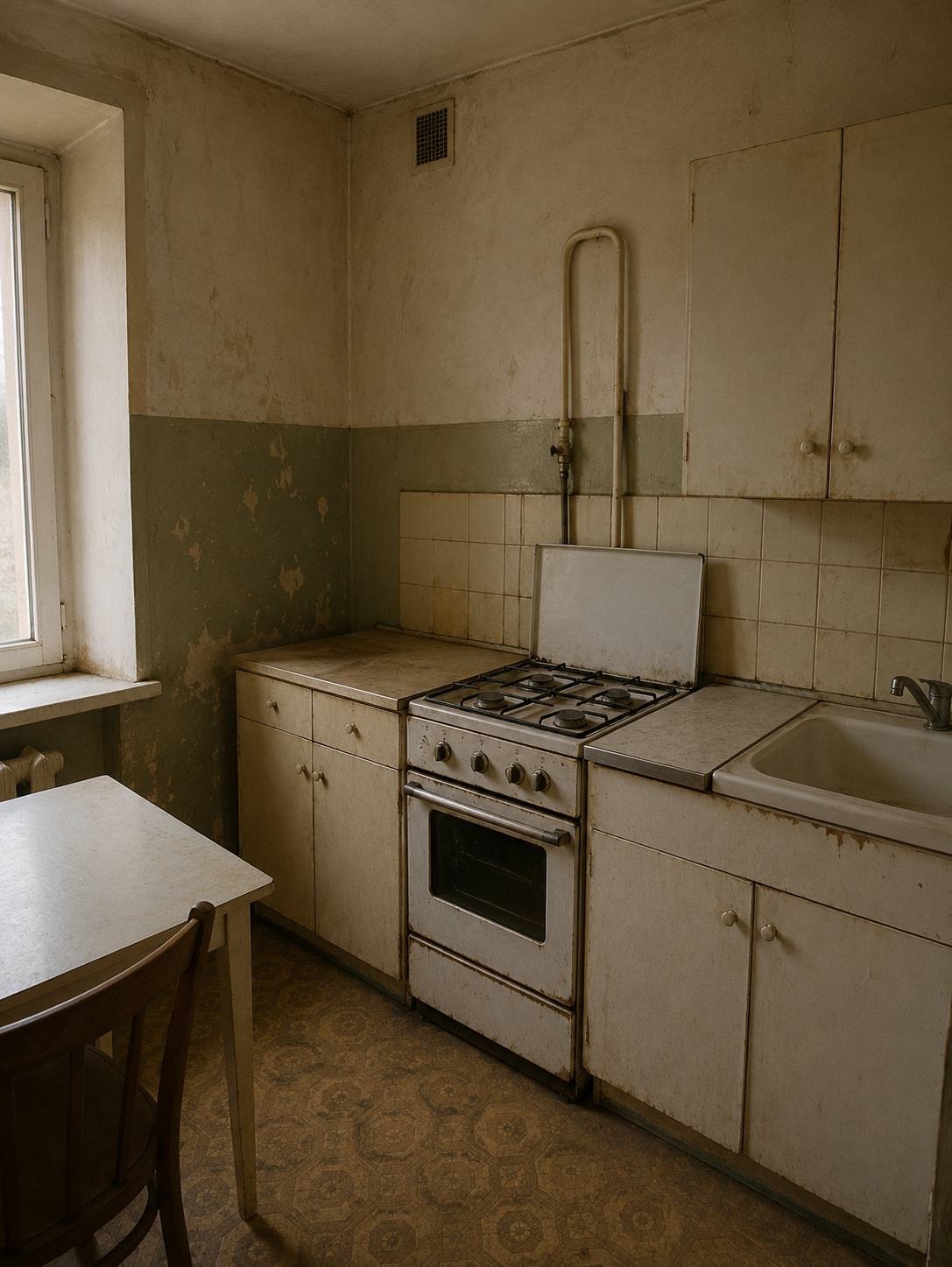
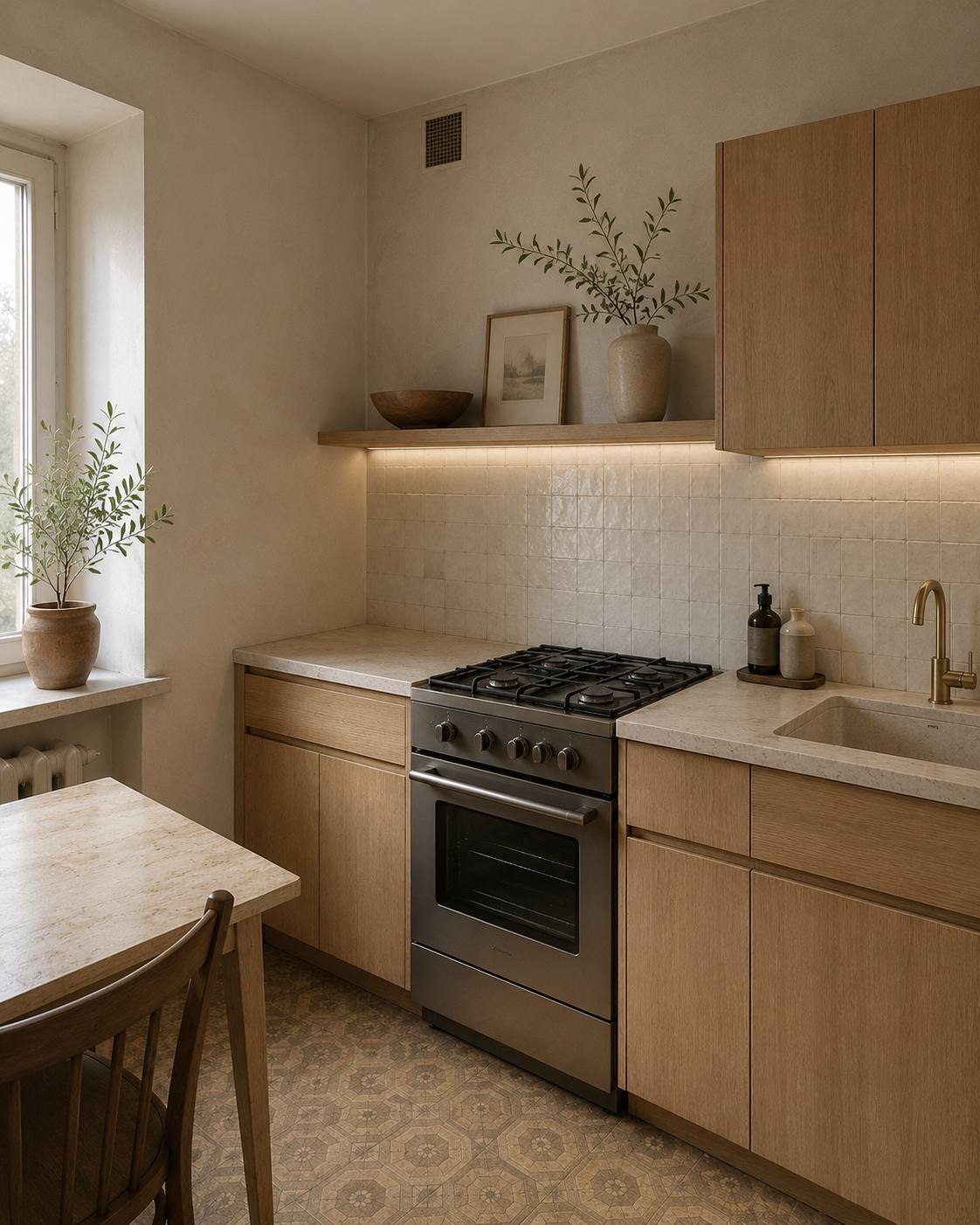
Interior
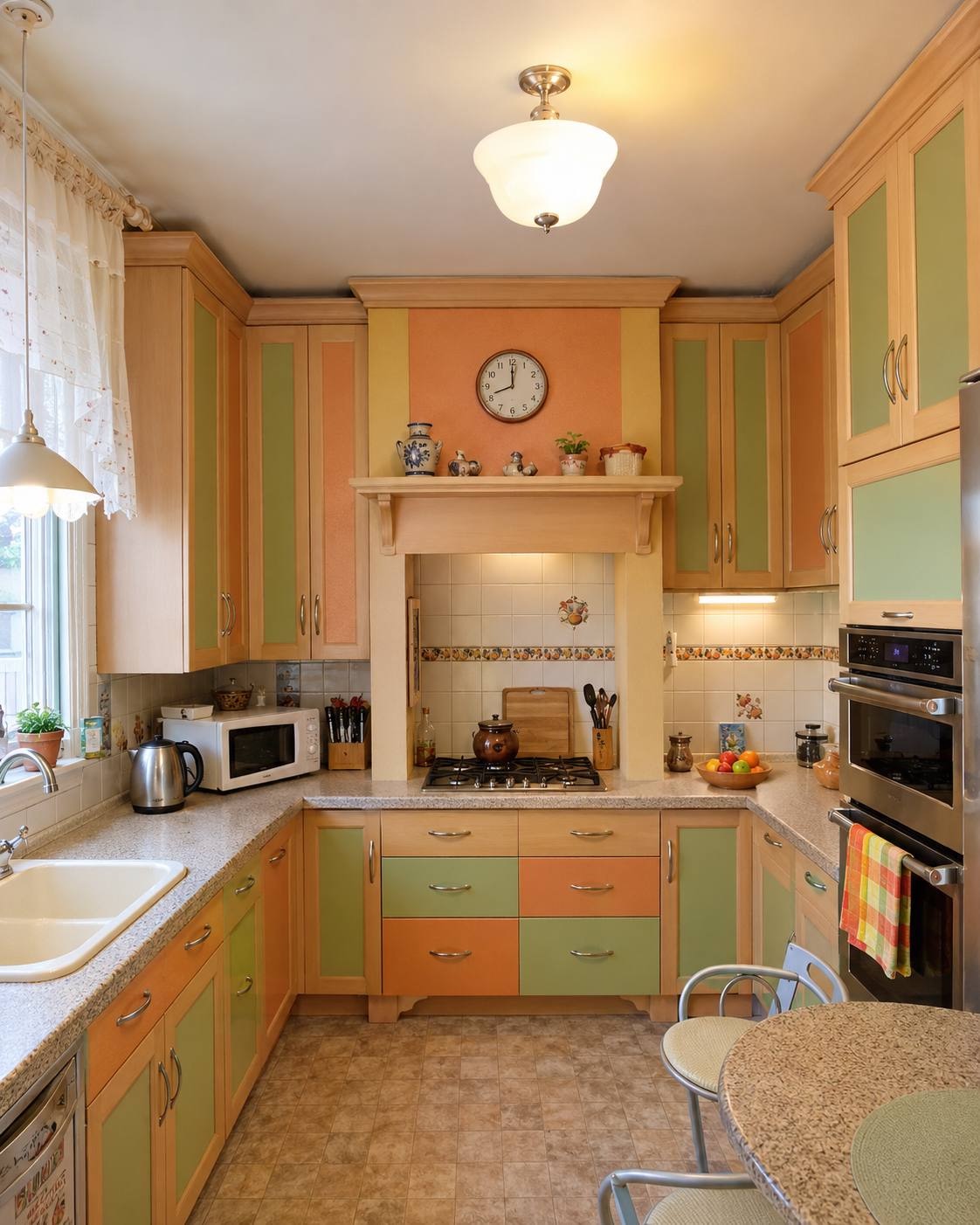
Compact warm minimal kitchen
Wood cabinets, light tile, tidy backsplash and soft under-cabinet light.
Interior
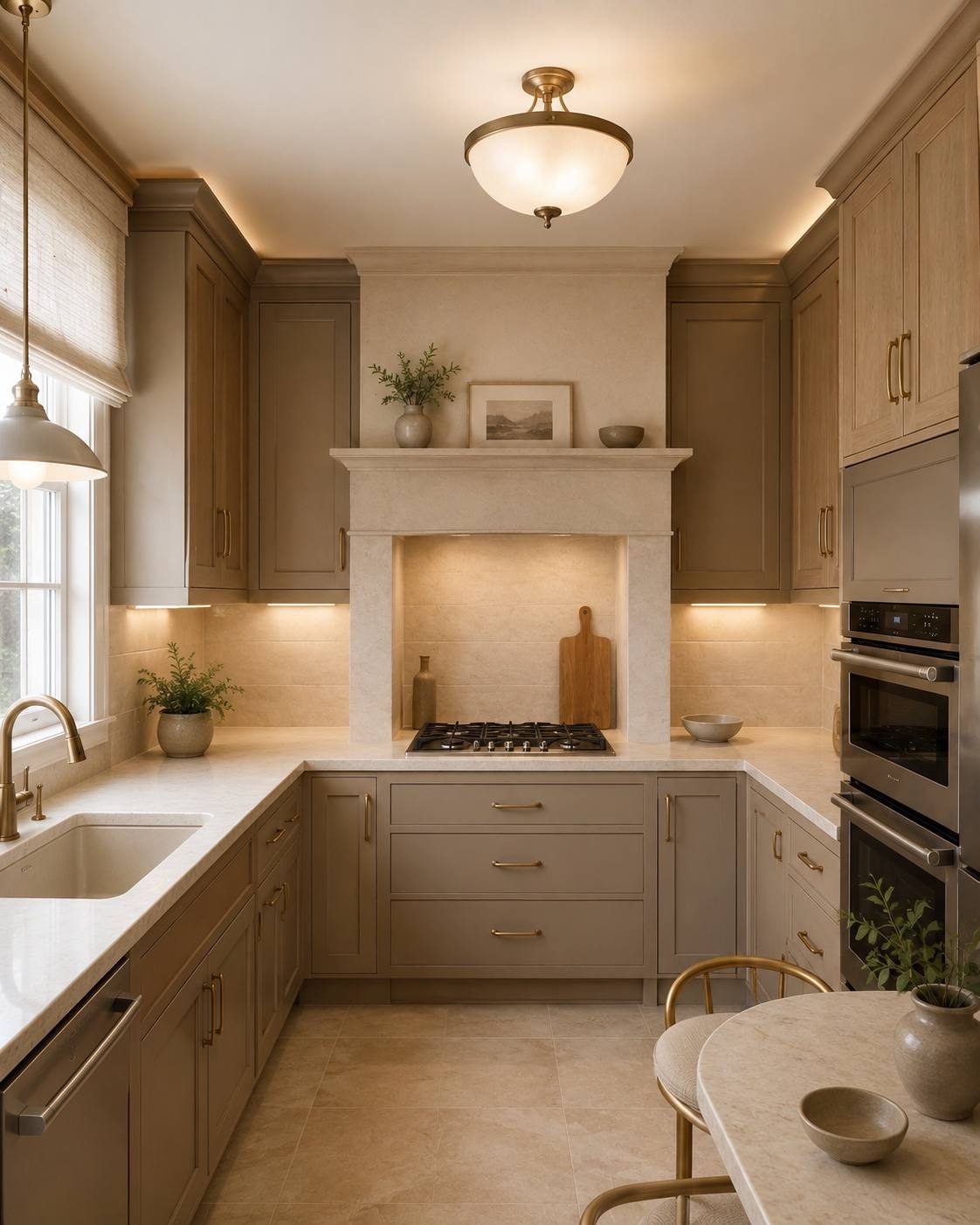
Modern classic kitchen
Neutral cabinets, brass details, stone surfaces and calm premium light.
Portrait
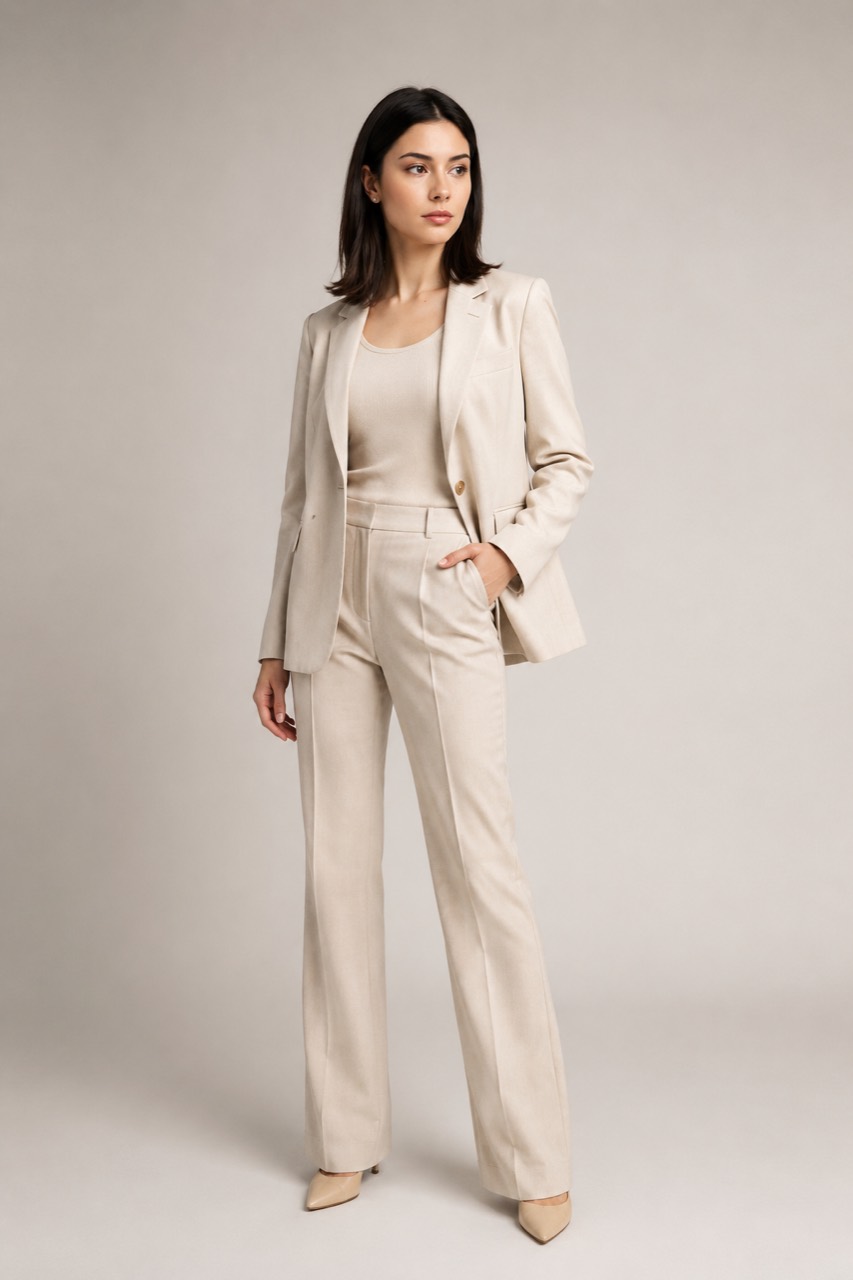
Business profile image
Bright studio, calm pose and professional look.
Product
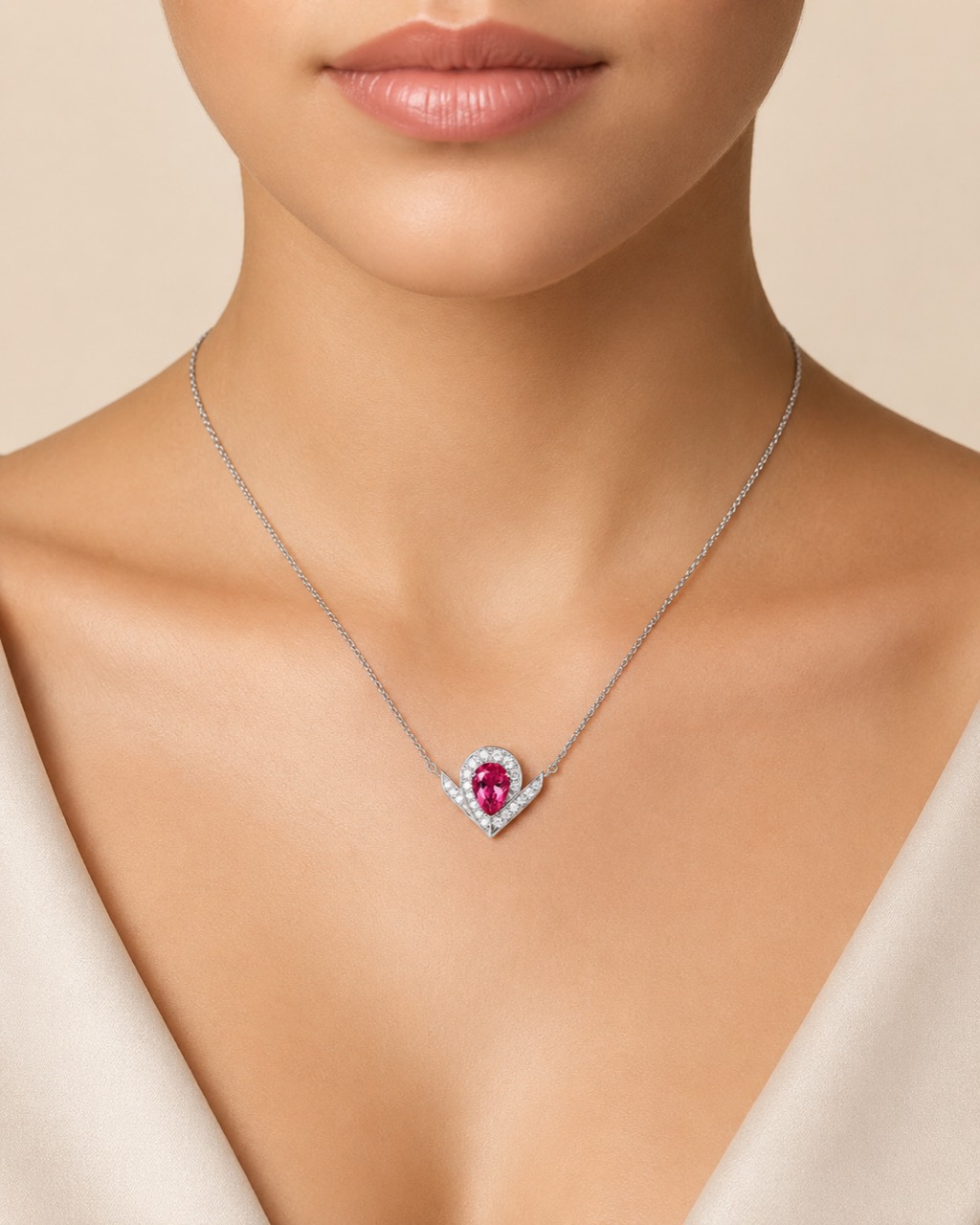
Premium product scene
Stone, soft fabric and focus on product shape and color.
Product
Marketplace product card
Minimal composition, clean light and commercial look.
“Make this visual feel like a magazine lifestyle shoot, warm daylight and a calm palette”
AI prompt
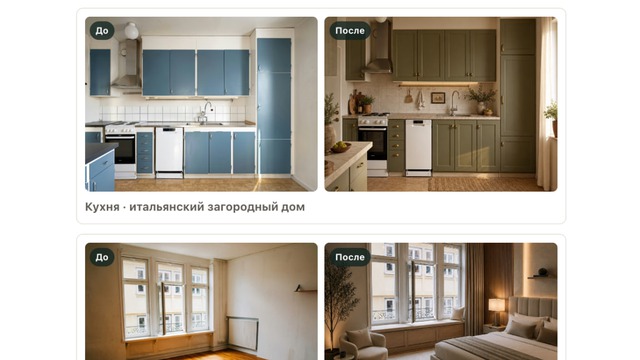
Visual idea from text
Useful for references, content and fast direction tests.
How it works
From photo to result in three steps
The whole process stays in Telegram: upload, mode selection, result and repeat generation.
Open the bot in Telegram
No separate web registration and no editor to learn.
Upload a photo or write a prompt
Choose a ready mode or add text directly in the image caption.
Receive AI options
Compare the result, change the prompt or generate another style for the same photo.
Uploading a room photo
Choose a style or write your prompt
For whom
Different tasks, one fast visual tool
Apartment and house owners
Understand which style fits a room before buying furniture and materials.
Interior designers
Create early directions and references before a full concept.
Marketplace sellers
Test backgrounds, scenes and visual hypotheses for product cards.
Experts and specialists
Get a business portrait for a website, resume, profile or presentation.
Content creators
Quickly change background, mood and style of a source image.
Small businesses
Create first visuals for ads, social media and landing pages without a studio.
Trust & Safety
What happens to photos and what to expect from AI
Users upload rooms, products and portraits, so processing rules should be clear before starting.
Who sees photos
Photos are used by the service and external AI provider only to create the result, support the order and diagnose errors.
Portraits and rights
Upload only images of people that you have the right or consent to process.
AI limitations
AI can change small details, product shape, facial features or geometry. Important results should be checked manually.
FAQ
Questions before the first generation
How long does generation take?
Usually 30-90 seconds. Sometimes longer if there is a queue or the external AI provider responds more slowly.
Can I use images for marketplaces?
Yes, as visual options, concepts and test materials. Before publishing, check platform rules and product detail accuracy.
Can I use portraits commercially?
If you have rights to the source photo and consent from the person, you can use the result for your tasks. For documents, use real photos.
Can I write my own prompt?
Yes. Add the prompt directly in the photo caption or write it after uploading.
What if the result does not fit?
You can refine the prompt, choose another mode or make another generation for the same photo.
Start with one photo
Create your first AI visual in a few minutes
Open the Telegram bot, upload a photo and get options without a complex editor.